Forge Order
A downloadable tool for Windows
Forge Order
Stop staring at a wall of identically-named GameObjects.
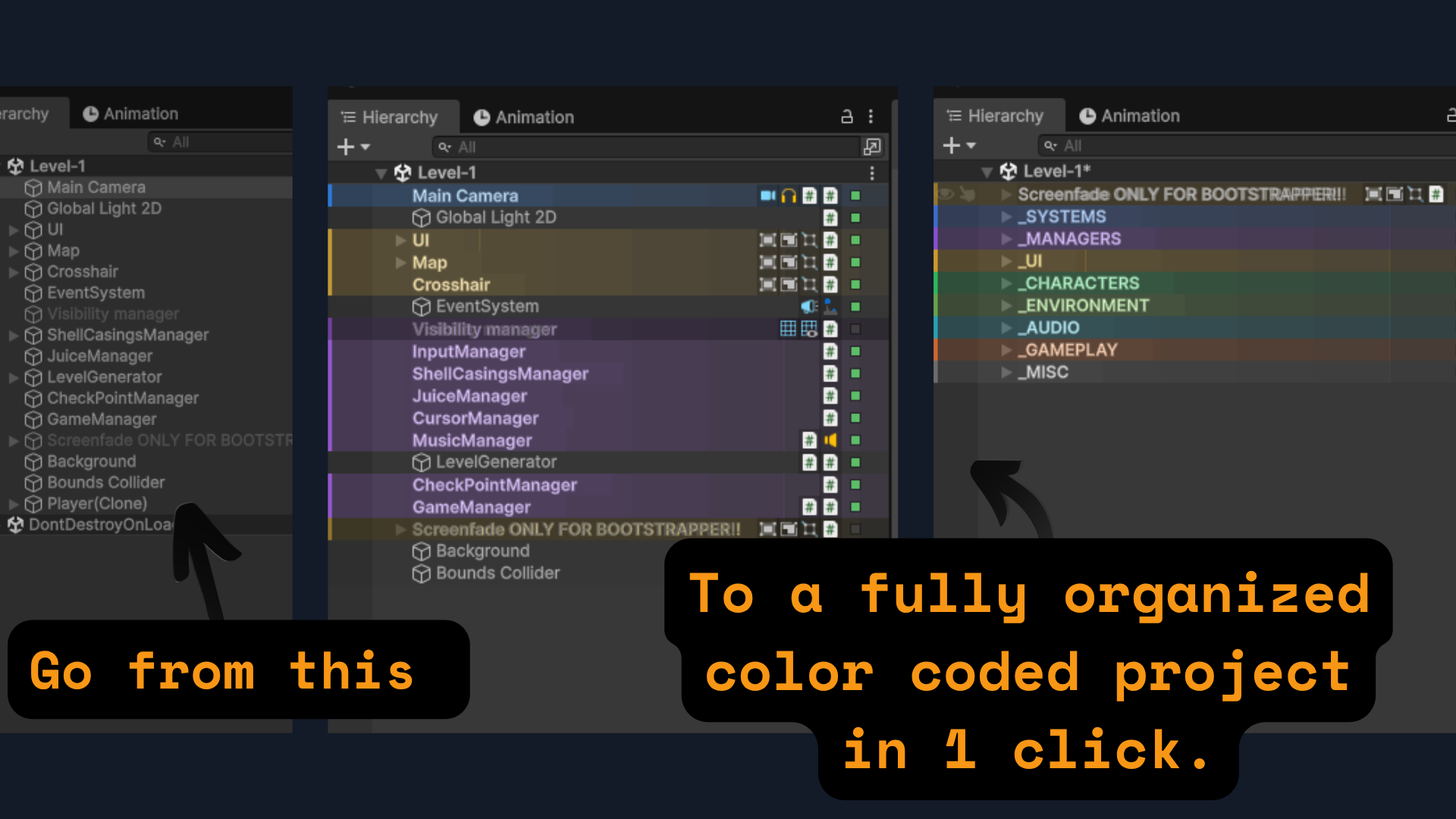
Forge Order gives your Unity Hierarchy the visual clarity it should have had from day one — color-coded rows, component icons, section separators, and a smart one-click scene organizer that knows where your objects belong.
It works the moment you install it. No setup. No new windows to dock. No changes to your scenes unless you ask for them.
⚒ WHAT IT DOES
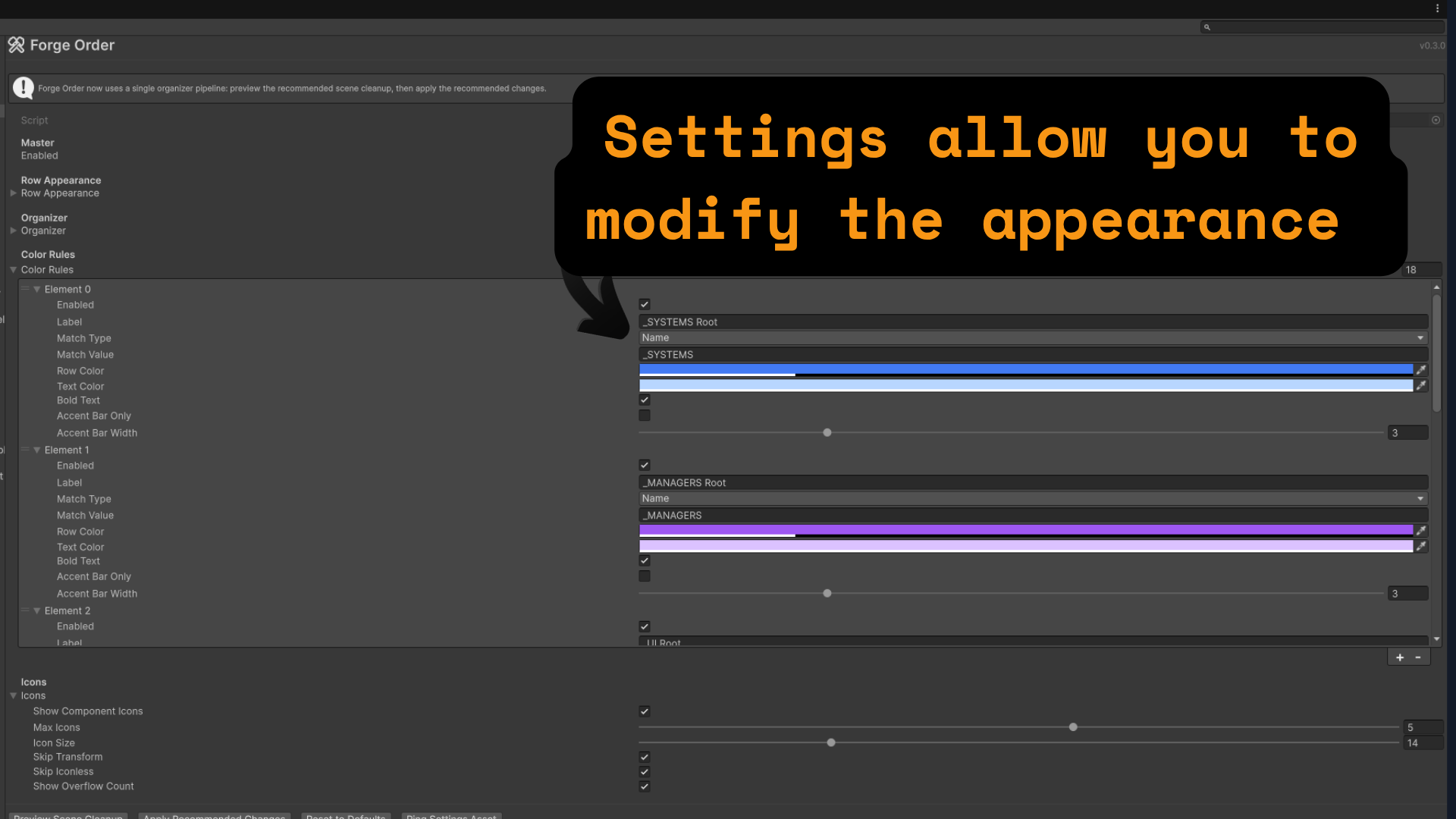
Visual Layer — See what matters at a glance Every hierarchy row gets a subtle color gradient based on your rules. Main Camera lights up blue. Your Player object gets a green tint. Managers get purple. You define what gets highlighted and how. Component icons show up on the right side of each row so you know what's attached without clicking anything. An active-state dot on the far right lets you toggle objects on and off without selecting them first.
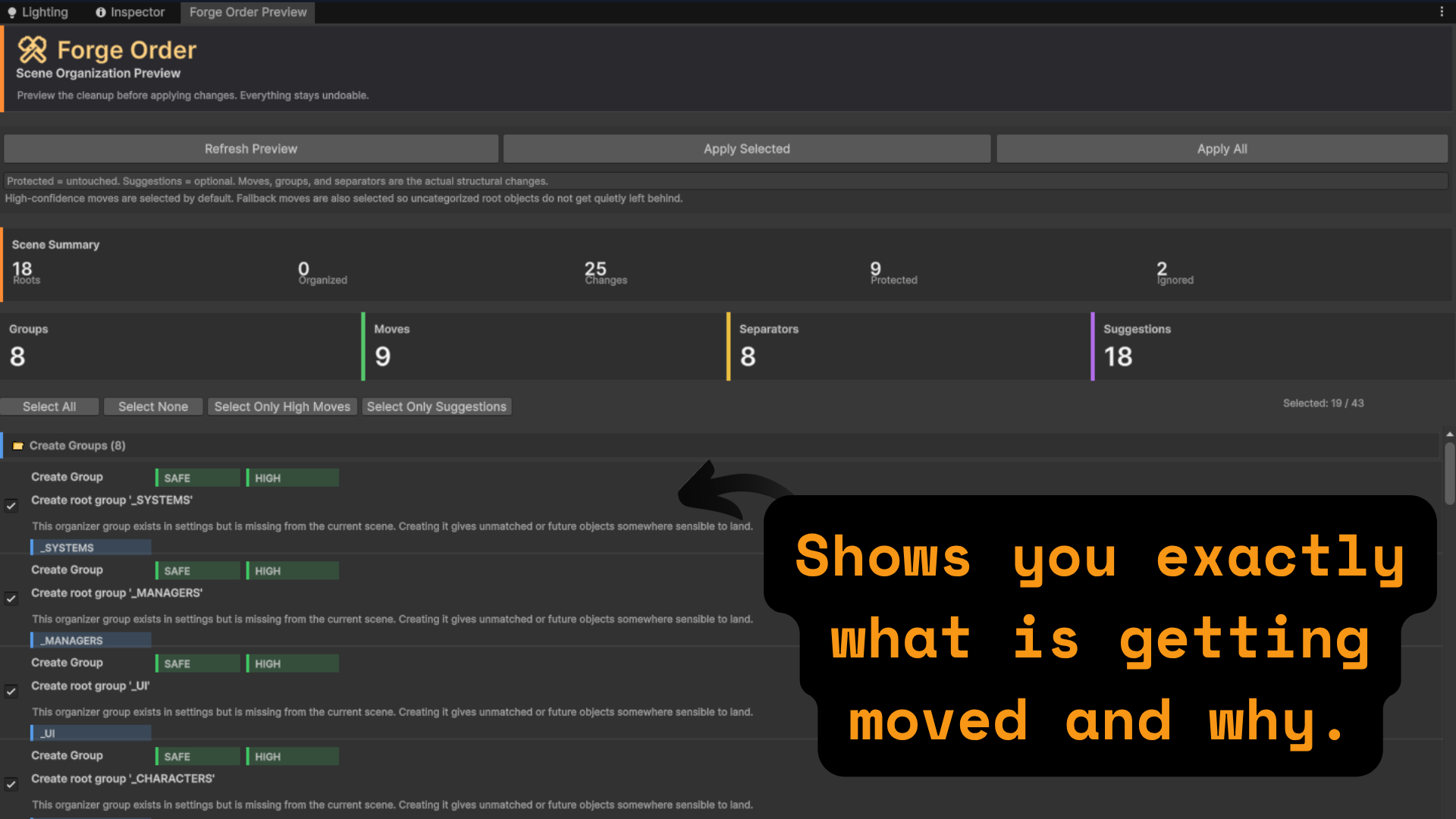
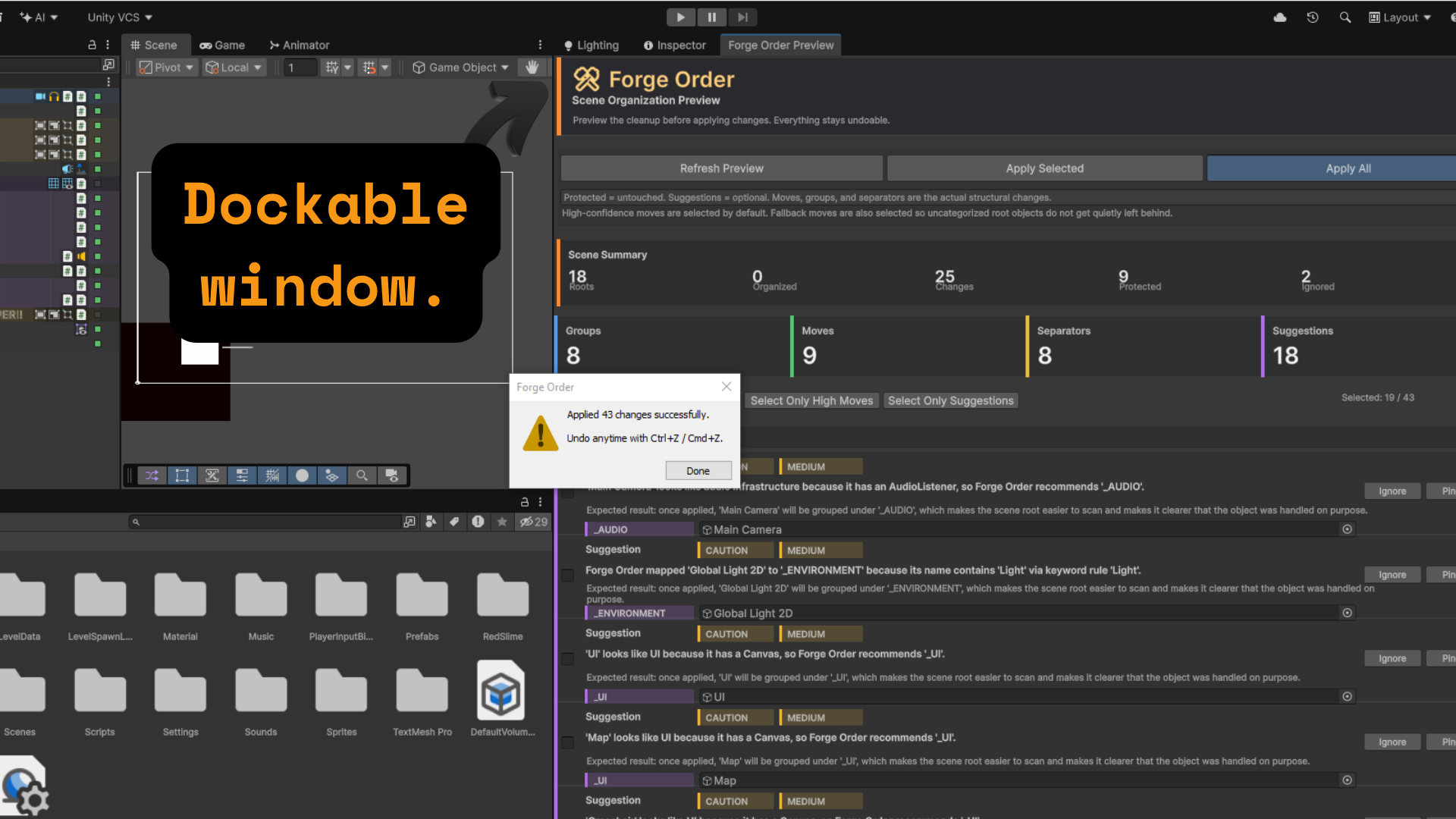
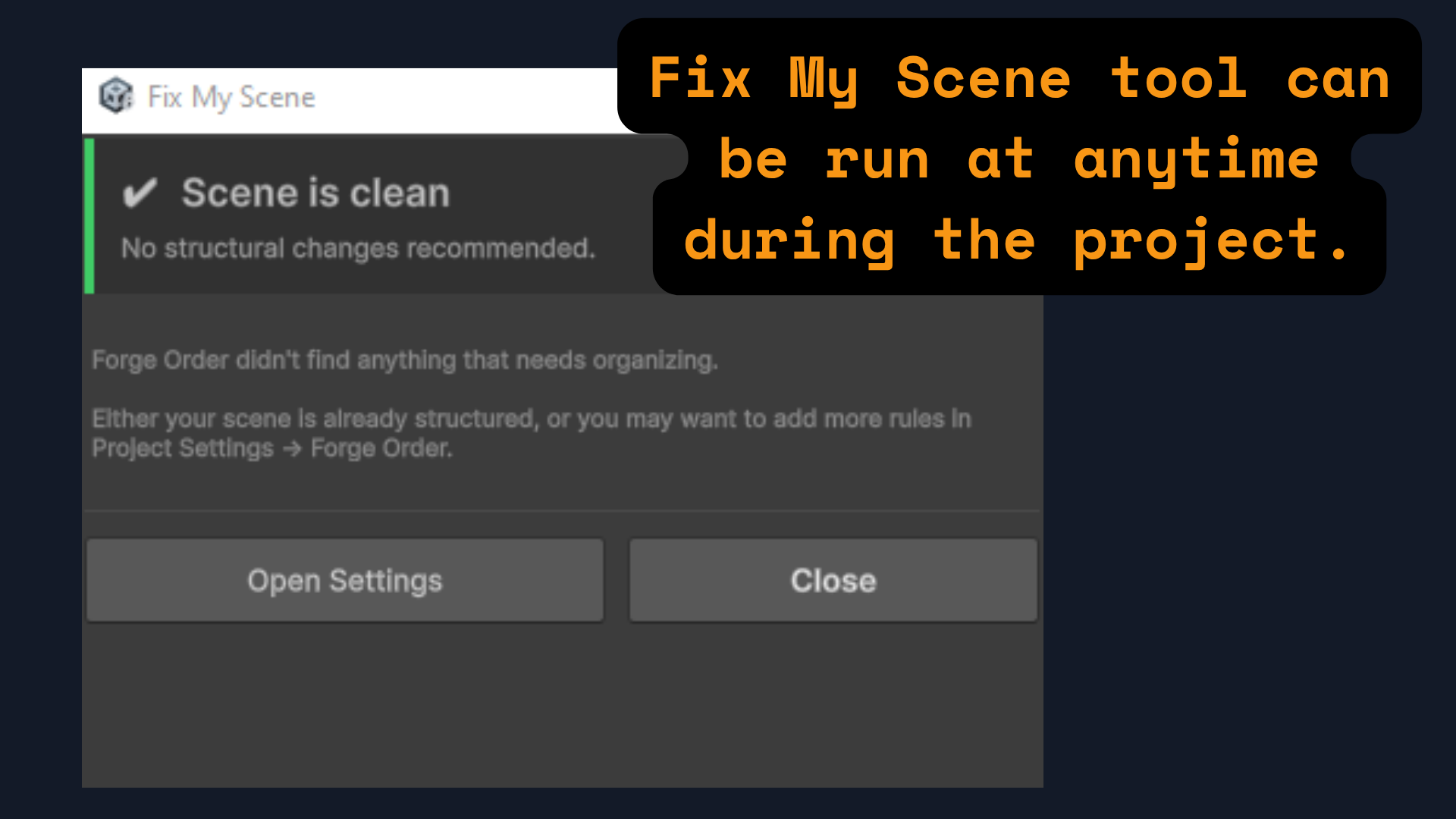
Scene Organizer — Clean up in one click Open any messy scene, hit "Fix My Scene" from the right-click menu, and Forge Order shows you exactly what it's going to do before it does anything. Groups to create, objects to move, sections to label — all listed with plain English explanations. Click Apply. Done. One Ctrl+Z undoes everything if you change your mind.
Section Separators — Give your hierarchy structure Right-click any object and convert it into a styled section header. Dark background, bold label, accent line. Your hierarchy goes from an unreadable list to a clearly organized document.
Preview Before You Commit Forge Order never moves anything silently. The full Preview window shows every recommended action, rated by confidence (High / Medium / Low), with reasons explained in plain English. You pick what to apply. Protected objects (prefab roots, manual wrappers, large hierarchies) are never touched without your permission.
⚡ QUICK FEATURES
- Color rules by Tag, Layer, Name, Component type, Prefab state, Static flag, or Active state
- Left-edge accent bars for subtle secondary rules
- Bold text and custom text color overrides per rule
- Component icons — cached, fast, configurable count and size
- Clickable active toggle dot with three states (active / parent-disabled / inactive)
- Alternating row stripes for readability on dense scenes
- Prefab root badge on instance roots
- Inactive object dimming
- Styled section separators — zero runtime cost, auto-disabled in builds
- One-click Fix My Scene with before/after summary
- Full preview window with per-action selection and confidence ratings
- Smart protection system — prefab roots, large hierarchies, named manual roots are never moved
- Three built-in presets: Game Dev (full structure), Mobile (lightweight), Prototype (minimal)
- Fully undoable — everything collapses to a single Ctrl+Z
- Settings stored as a project asset — commit once, shared across your whole team
- Works with URP, HDRP, and Built-in Render Pipeline
🛡 WHAT FORGE ORDER WILL NOT DO
It will never silently move your objects. It will never touch a prefab while you're editing it. It will never add anything to your runtime builds. It will never replace Unity's Hierarchy window or change how it behaves.
📦 THREE PRESETS INCLUDED
Game Dev — Full 8-group structure with 15 keyword rules and 10 component rules. The right choice for any production project.
Mobile — 5 groups, tighter protection, lighter rules. For projects where hierarchy depth matters.
Prototype — 3 groups, no separators, aggressive organization. For game jams and rapid iteration.
💻 REQUIREMENTS
Unity 6000.0 or later. Editor-only. No third-party dependencies. No runtime impact.
🆓 FREE — MIT LICENSE
Forge Order is completely free. Source code included. MIT licensed — use it in personal projects, commercial projects, and tools you sell.
Download
Click download now to get access to the following files:
Leave a comment
Log in with itch.io to leave a comment.